How to Register for CRA My Account in 5 Minutes
By Jonathan McClung & Byron Johnson
Setting up your CRA My Account doesn’t have to be complicated. With the right information on hand, you can register in about five minutes. In this guide, we’ll walk you through exactly what you need, how to verify your identity, and how to get your account active as quickly as possible.
What Is CRA My Account?
CRA My Account is a secure online portal from the Canada Revenue Agency that lets individuals access their personal tax and benefit information. Once you’re set up, you can:
- View your Notice of Assessment (NOA)
- Track the status of your tax return and refunds
- Access your T4s and other tax slips
- Update your personal information
- Manage direct deposit
- View expected benefit payments (such as the GST/HST credit and child benefits)
Running a business? You’ll also want to know what your Business Number is and how to pay your taxes online.
Before You Start: What You’ll Need
Gather these items before you begin so you don’t get stuck partway through:
- Your SIN (Social Insurance Number)
- Your date of birth
- Your current postal code
- The amount from line 15000 of your most recent tax return (or 0 if you’re new)
- A mobile device with a working camera
- A Canadian driver’s license or provincial/territorial photo ID card
⚠️ As of July 29, 2025, the CRA does not accept passports as ID. Also keep in mind that sessions expire after 18 minutes of inactivity, so have everything ready.
Step 1: Begin Registration
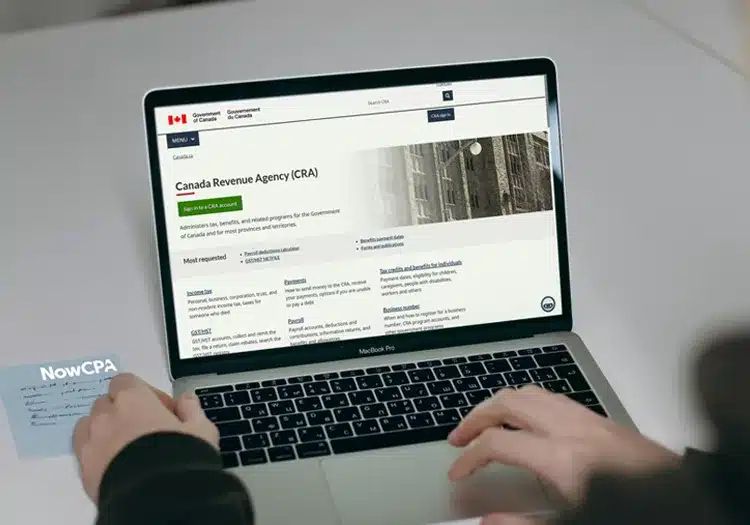
Visit the Canada Revenue Agency website, select “Sign in to a CRA account,” and then choose “Register for a CRA account.”
Step 2: Choose a Sign-In Option
You’ll be asked to pick how you want to sign in. Your options are:
- Sign-In Partner – Use your online banking credentials. Best for speed and ease if you bank with a CRA-approved partner.
- CRA User ID and Password – Best if you prefer a standalone login.
- Provincial Partner – Use a BC Services Card or MyAlberta Digital ID. Best for BC and Alberta residents who already have digital ID accounts.
Note: GC Key cannot be used to sign in to a CRA account.
Step 3: Verify Your Identity
You’ll choose one of two verification methods:
- Document Verification Service – Take real-time photos of yourself and your government ID using your phone or computer camera. This activates your account immediately.
- CRA Security Code by Mail – Receive a one-time code by mail within 5–10 business days.
Step 4: Create Your Login and Security Info
If you’re registering with a CRA User ID and password:
- Create a unique User ID (8–16 characters) and password (8–64 characters)
- Select 5 security questions to protect your account
Step 5: Enroll in Multi-Factor Authentication (MFA)
Set up MFA by choosing one of three ways to receive your one-time passcodes (OTP):
- Authenticator App – Use a third-party app such as Google Authenticator.
- By Phone – Provide a valid phone number (cell or landline) to receive codes by SMS or call.
- Passcode Grid – Safely store or print a grid of codes, valid for 18 months.
Step 6: Your Account Is Active
If you used the Document Verification Service, your account is active immediately—just sign in again to start using it.
If you chose the Security Code by Mail option:
- Wait for your code to arrive
- Sign back into CRA My Account
- Enter the code before it expires
Once you’re in, you’ll have full access to your tax and benefit information whenever you need it.
Have a question about your own situation?
Every business is different. Tell us what's going on and we'll point you to the right next step.
Get Help NowFree, no-pressure intro call — we reply within 1 business day.